
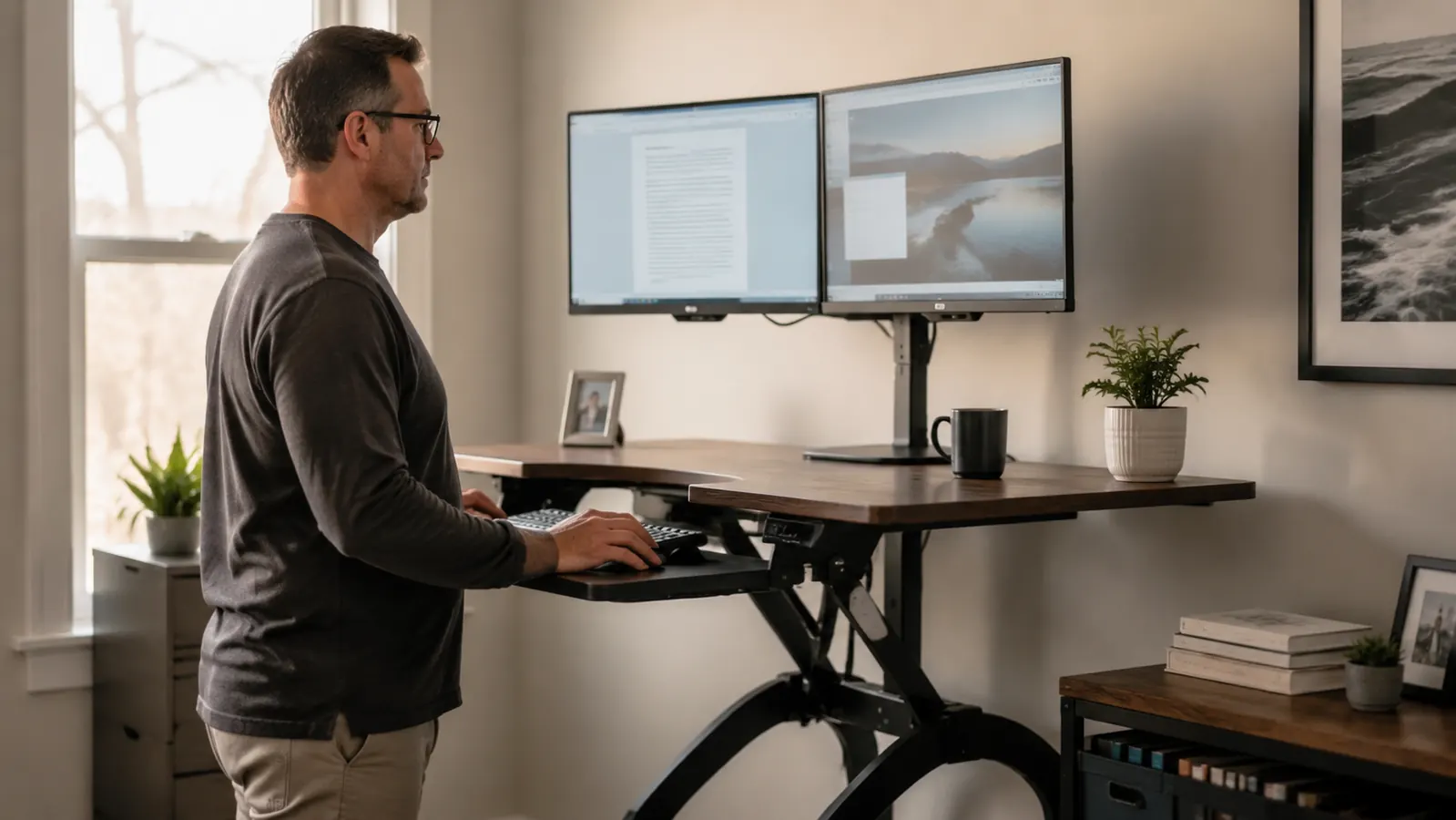
Let me tell you what the Amazon listing for the VIVO K-Series 32-inch desk converter does not tell you. It tells you the weight limit (33 pounds). It tells you the height range (4.7 to 19.7 inches). It tells you the platform dimensions and shows you five polished product photos. What it does not tell you is that the converter needs about six inches of clearance behind it when raised, that the keyboard tray is genuinely too shallow for a full-size keyboard with a numpad if you also want room for a mouse, and that the wobble at the top third of its height range is something you either need to plan around or make peace with. I bought this without knowing any of that. You should go in knowing all of it.
This is not a takedown. The VIVO K-Series is a genuinely good piece of equipment at a fair price, and I use it every workday. But the reviews that read like edited press releases do you no favors when you are about to invest in it and rearrange your desk around a product. This review covers the three things that actually surprised me, the one setup configuration most buyers get wrong, and the honest answer to whether the wobble is a real problem or just something reviewers mention because they have to mention something.
The Quick Verdict
A well-built, practical sit-stand converter that earns its price, with three honest pre-purchase caveats that most reviews skip over entirely.
Amazon Check Today's Price →You have been sitting too long for too many months. A converter is cheaper than a physio appointment and it actually fixes the root cause.
The VIVO K-Series 32-inch converter works on your existing desk, sets up without tools, and costs a fraction of a motorized frame. Read the caveats in this review first, then check today's price on Amazon.
Amazon Check Today's Price on Amazon →How I Tested and Used It
My home office desk is a 55-inch L-shaped corner desk in a 10-by-12 room. The longer leg of the L sits against the wall, which is exactly the configuration that causes the clearance issue I will describe in a moment. My monitor is a 24-inch display, and I use a compact tenkeyless keyboard, which turned out to matter a great deal for the keyboard tray situation. I have been using this converter for several months now, cycling between sitting and standing four to seven times per workday depending on what I am working on.
I am 5 feet 6 inches tall and my comfortable standing working height on the converter is right around 9 to 10 inches of lift. That is important context for the wobble discussion because where wobble shows up is highly dependent on how high you actually raise the platform, and height is driven by how tall you are.
I also specifically tested the keyboard tray with three different keyboards before I settled on my current setup: a full-size keyboard with numpad, a tenkeyless layout, and a compact 75-percent layout. The results were different enough that keyboard choice meaningfully affects whether the tray is useful to you at all.
Caveat One: The Wall Clearance Problem Nobody Warns You About
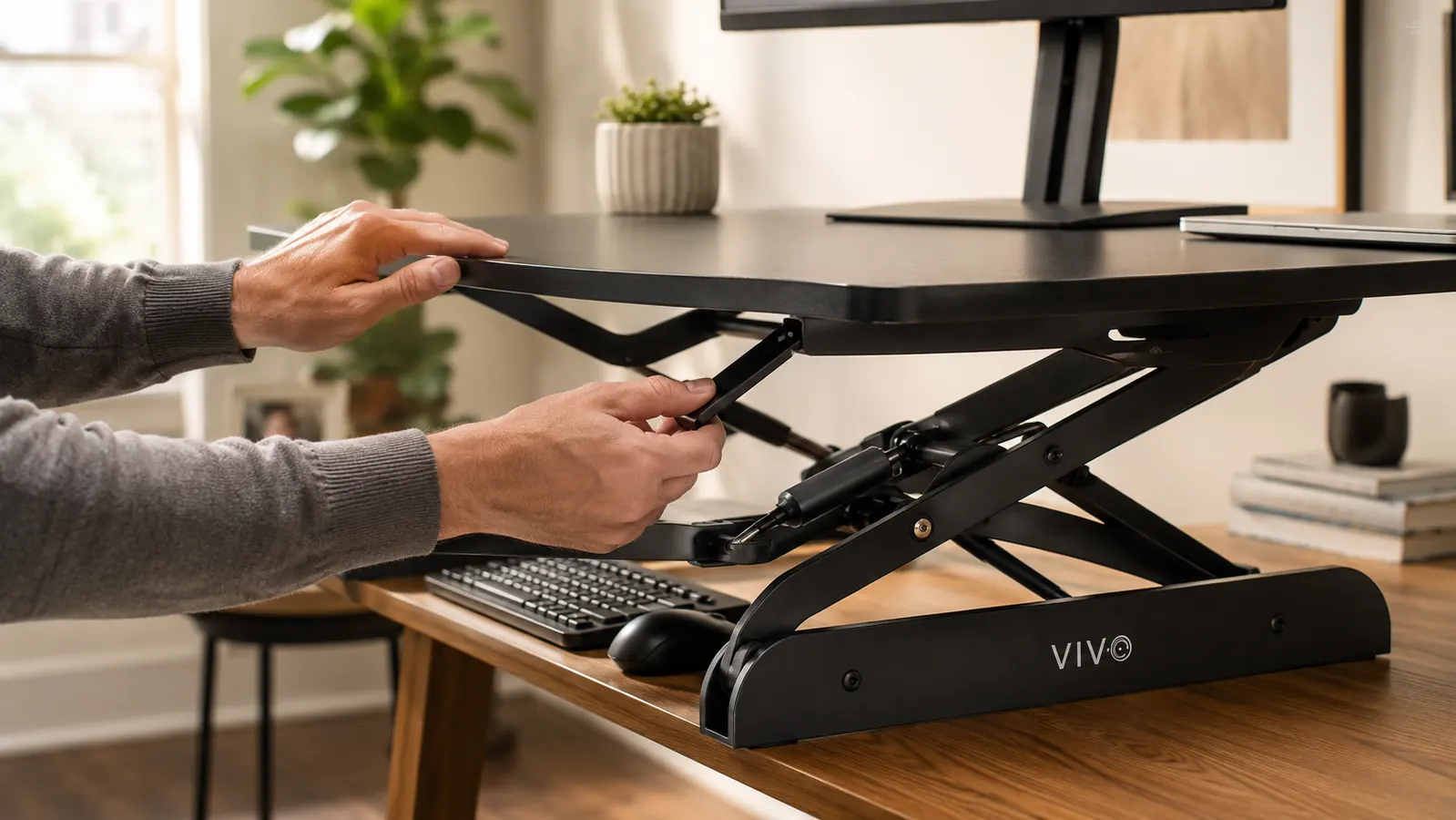
When the VIVO K-Series is in its lowered position, it sits flat and takes up roughly the footprint shown in the product dimensions. When you raise it, the rear legs of the scissor mechanism extend backward as the platform lifts. At my comfortable working height of about ten inches of lift, the back of the converter extends roughly five to six inches behind where it started. If you have your desk flush against a wall, the converter will hit the wall before you reach working height.
The fix is simple: pull your desk forward five to six inches before you raise it. But this assumes you can pull your desk forward. If your desk is against a wall in a small room and pulling it forward puts you with your back to the door or kills your walking clearance, you need to account for this before buying. I had to reconfigure my corner desk setup entirely the first day, which took about 20 minutes and was mildly annoying. A 30-second check of your desk clearance before ordering will save you that hassle.
This issue applies to any spring-lift converter with a scissor mechanism, not just the VIVO. But VIVO does not mention it prominently, and most reviewers do not either. Now you know.
Caveat Two: The Keyboard Tray Depth Math Does Not Work for Everyone
The slide-out keyboard tray on the K-Series measures approximately 11.5 inches front to back. A standard full-size keyboard with a numpad runs about 11 inches deep on its own. That leaves roughly half an inch of space around the keyboard and virtually no space for a mouse on the tray. You will end up with your mouse on the main platform, positioned several inches higher than your keyboard. That is a genuine ergonomic inconsistency, and if you are standing and typing for 45-minute stretches, the height difference between your mouse and keyboard arm position adds up.
With a tenkeyless keyboard, which runs about 8 inches deep, the situation is completely different. You have 3.5 inches of mouse room to the right of the keyboard, which is enough for a compact mouse and a small pad. With a 75-percent compact layout, you have even more room. This is probably why the converter gets such good reviews overall: most people using an ergonomic home office setup have already switched away from full-size keyboards, so they never run into the problem.
If you are currently using a full-size keyboard with numpad and you plan to use the keyboard tray, either plan to switch keyboards or plan to put your mouse on the main platform surface. Both are workable. Just go in knowing the geometry rather than discovering it after setup.
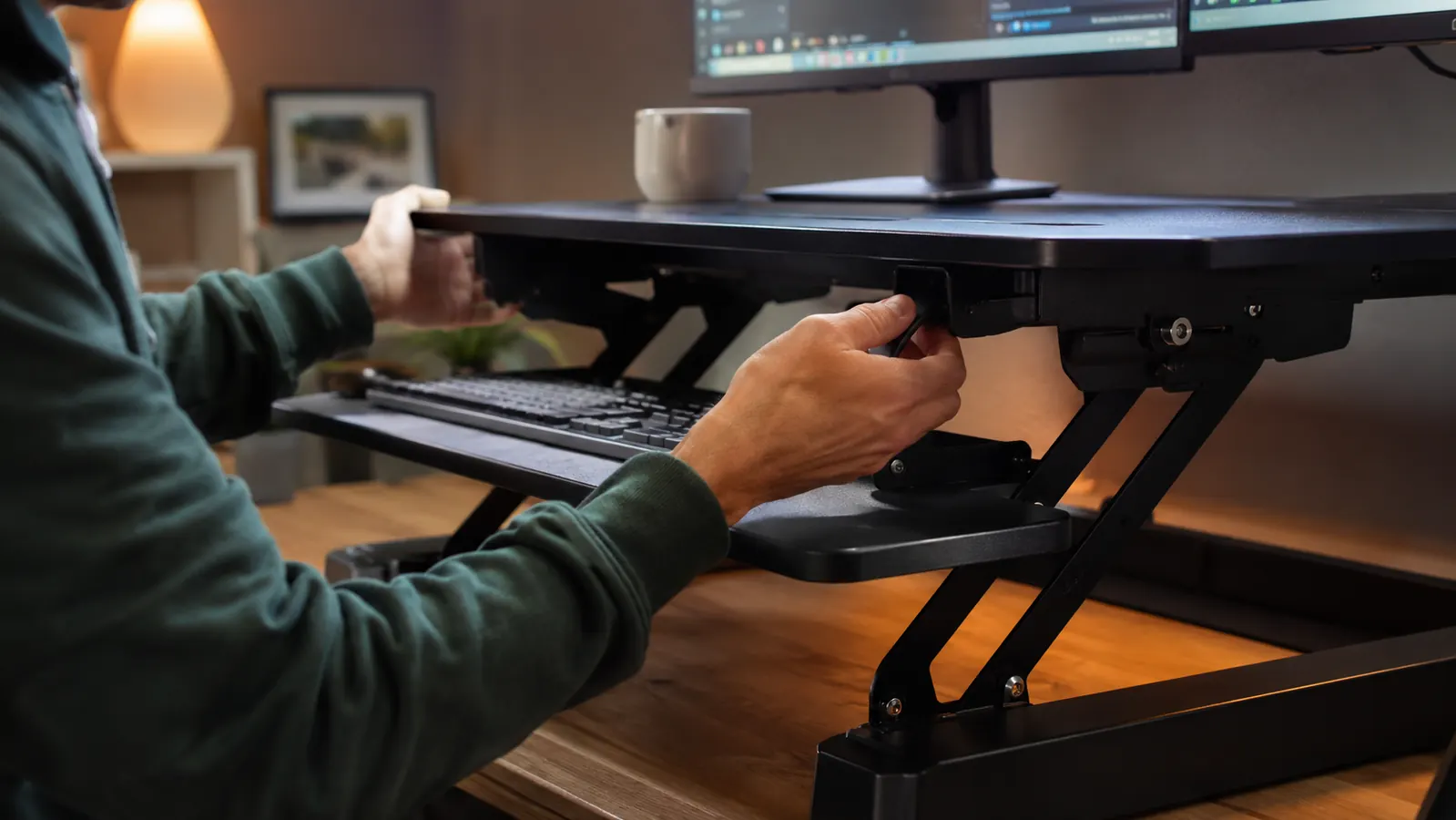
The keyboard tray depth works great with a tenkeyless layout. With a full-size numpad keyboard, there is barely room for the keyboard itself and almost none left for a mouse. Your keyboard choice matters here.
Caveat Three: The Wobble at Full Height Is Real and Height-Dependent
Every review mentions the wobble. Most reviews mention it the same way they mention a minor footnote, and then move on. I want to give you more precision because the wobble is not uniform across the height range. At 4 to 10 inches of lift, the converter is impressively stable. I have typed aggressively at that range and seen almost no monitor movement. From 10 to 14 inches, there is some lateral movement when you type hard, but it is minor enough that most people stop noticing it after a few days.
Above 14 inches, the wobble becomes something you are aware of on every typing session. The converter is rated to 19.7 inches of maximum height. At 17 or 18 inches, typing with any force sends a visible ripple through the monitor. This matters specifically for taller users. If you are 6 feet 1 or taller, a comfortable standing working height for your arms and elbows might put you at 15 to 17 inches of lift, which is exactly where the wobble is most noticeable.
For reference, if you are 5 feet 4 to 5 feet 10 and you are working at correct ergonomic arm angles, you will most likely end up in the 9-to-13-inch range, which is the sweet spot for stability. This converter was genuinely designed for average-height users, and the engineering shows in that range. The taller end of the user base is the one that bumps into the wobble issue consistently.
The One Setup Configuration Most Buyers Get Wrong
The most common mistake I see described in one-star reviews is setting the converter up and immediately trying to match standing height to sitting monitor height. In other words, raising the converter until the monitor is at the exact same position it was when sitting. That is not how ergonomics works, and it leads to a too-low standing position that hurts your neck or a too-high standing position that hurts your shoulders.
The correct approach is to set your standing height first by finding the position where your elbows are at approximately 90 degrees and your forearms are roughly parallel to the floor. That is your correct keyboard height. Then check whether your monitor top edge is at or slightly below eye level. If it is not, a separate monitor riser on the converter platform itself fixes that for a modest additional cost. Most people skip this step and then blame the converter for neck pain that is actually a monitor height problem.
Once you find your standing height, measure it and remember it. The converter has no memory position. Every time you raise it you are eyeballing the height, and there is a small marking on the side that helps, but it is not precise. After a few weeks you will know your preferred position by feel, and this stops being an issue entirely.
What the VIVO K-Series Actually Gets Right
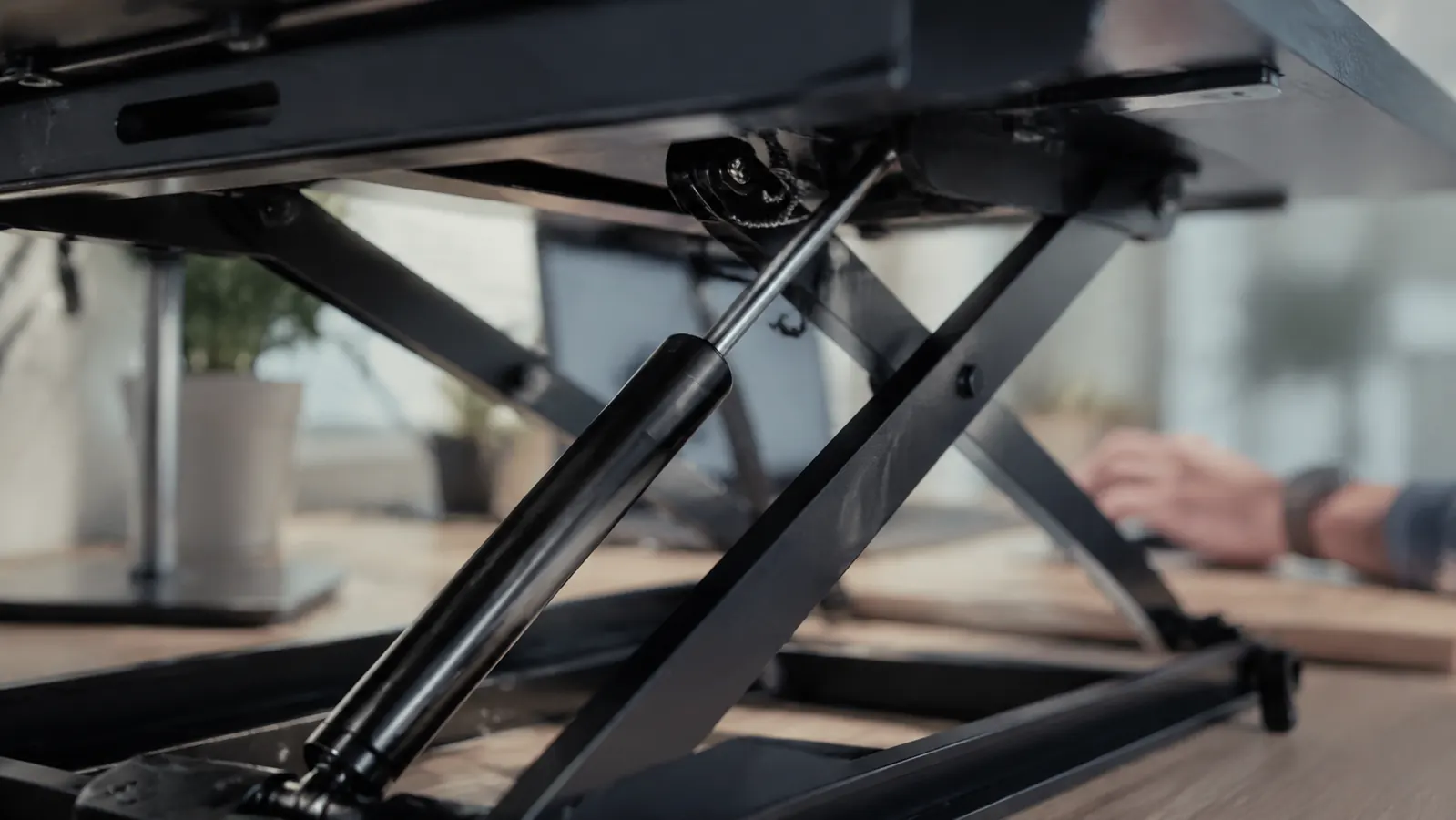
With the caveats addressed, here is what this converter genuinely does well. The gas-spring lift mechanism is excellent. One-handed operation is completely realistic: you squeeze the handle, lift or lower with one hand, and the unit locks firmly in place. The platform does not drift down under monitor weight. The handle clicks cleanly and has not loosened or changed feel over months of daily use.
The platform surface itself is a matte textured black that hides scratches reasonably well and does not show wear. At 32 inches wide it accommodates a 27-inch ultrawide monitor or a 24-inch display with a laptop side-by-side without feeling cramped. The cable management hole at the back is useful and keeps the setup from looking like a wire nest.
Setup time is genuinely quick. No assembly is required beyond unboxing and placing it on your desk. The only thing you need to figure out is the wall clearance issue described above. If your desk already has room behind it, you can be fully operational in under five minutes. That is not marketing language. I timed myself when I moved it from one desk to another: four minutes and twenty seconds.
What I Liked
- Gas-spring mechanism is smooth, reliable, and genuinely one-handed to operate
- Setup takes under five minutes with no tools required
- Stable and wobble-free at the height range most average-height users will work at
- 32-inch platform fits a 27-inch monitor plus side laptop comfortably
- Keyboard tray works well with tenkeyless and compact keyboard layouts
- Significant cost savings over a full motorized standing desk frame
Where It Falls Short
- Requires five to six inches of clearance behind the desk when raised, which wall-mounted desks do not have
- Keyboard tray is too shallow for full-size keyboards with numpad plus a mouse
- Noticeable wobble above 14 inches of lift, affecting taller users at their working height
- No memory position for height, requires eyeballing the lift each time
- 33-pound weight limit rules out dual heavy monitor configurations
Who This Is For
This converter is the right buy if you are between 5 feet 2 and 5 feet 11, you use a tenkeyless or compact keyboard layout, your desk is not flush against a wall or you have room to pull it forward a few inches, and you are running a single monitor or a monitor-plus-laptop setup under 33 pounds combined. That is a wide range that covers most home office workers. If you want to sit less, you hate your back at 3 p.m., and you are not ready to tear out your existing desk for a motorized frame, this is the practical middle solution that actually works.
Who Should Skip It
If you are 6 feet 2 or taller and you type with any kind of force, seriously consider a sturdier converter or a full motorized desk. The wobble at your working height will be a daily frustration and not the kind that fades. If you are committed to your full-size keyboard with numpad and you want the keyboard tray to be fully usable including mouse space, this converter is not designed for that combination. If your desk is permanently fixed to a wall and cannot be moved forward, verify you have rear clearance before ordering or pick a different form factor. And if you need exact height repeatability because you share a desk with another user, this converter requires you to re-find your height each time, which adds friction to the switching routine.
Go in with the right expectations and this converter will earn back its price in fewer back-pain days within the first month.
The VIVO K-Series 32-inch desk converter has clear limitations, and now you know all of them. For most single-monitor home office setups with an average-height user, it is still the most practical sit-stand upgrade you can make without replacing your desk. Check today's price on Amazon.
Amazon Check Today's Price on Amazon →