

For two years I wrote off my forearm ache as normal. It showed up around 2pm, that low-level burn just below the elbow, and I told myself it was the price of sitting at a desk all day. I tried a wrist rest, a different desk height, and a month of arm stretches I found on YouTube. None of it touched the pain. What finally fixed it was something I had dismissed as a gadget: the Logitech MX Vertical. I have been using it for eight months and my forearm stopped hurting by the end of week two. If you are skeptical, I was too. These ten reasons explain exactly what is happening biomechanically and why the MX Vertical, specifically, delivers on the promise.
I link out to my full long-term review and a guide on reducing mouse hand fatigue at the bottom of this article if you want more depth on setup and desk pairing. But if you want the short version of why a vertical mouse works, read on.
Your forearm should not hurt by lunchtime. The MX Vertical costs less than a single physio visit.
The Logitech MX Vertical is the most-tested vertical mouse on the market, with nearly 15,000 Amazon reviews and a 4.4-star rating. It connects to up to three devices, charges via USB-C, and lasts four months on a single charge.
Amazon Check Today's Price on Amazon →It Rotates Your Forearm Into the One Position That Does Not Cause Strain
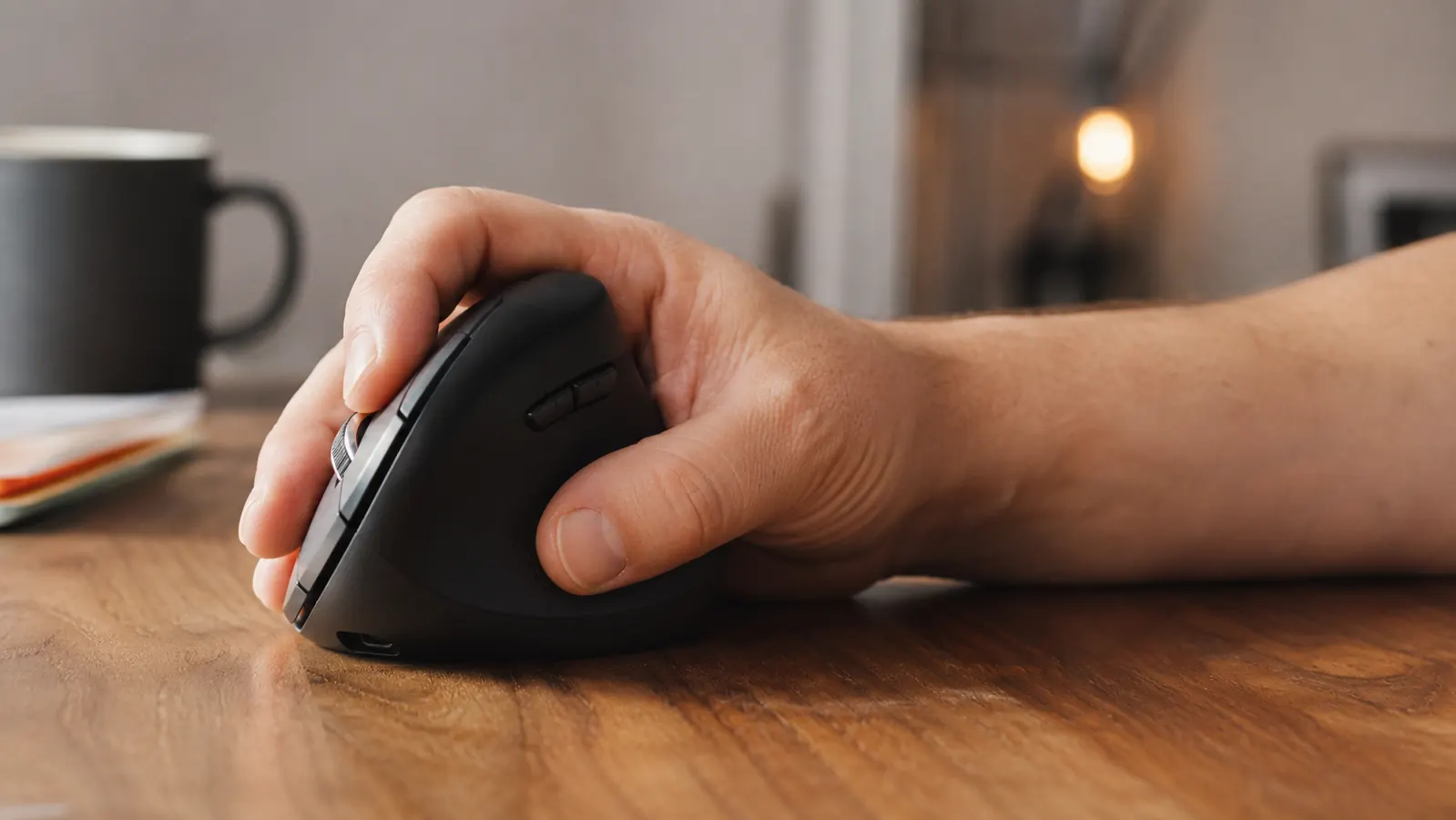
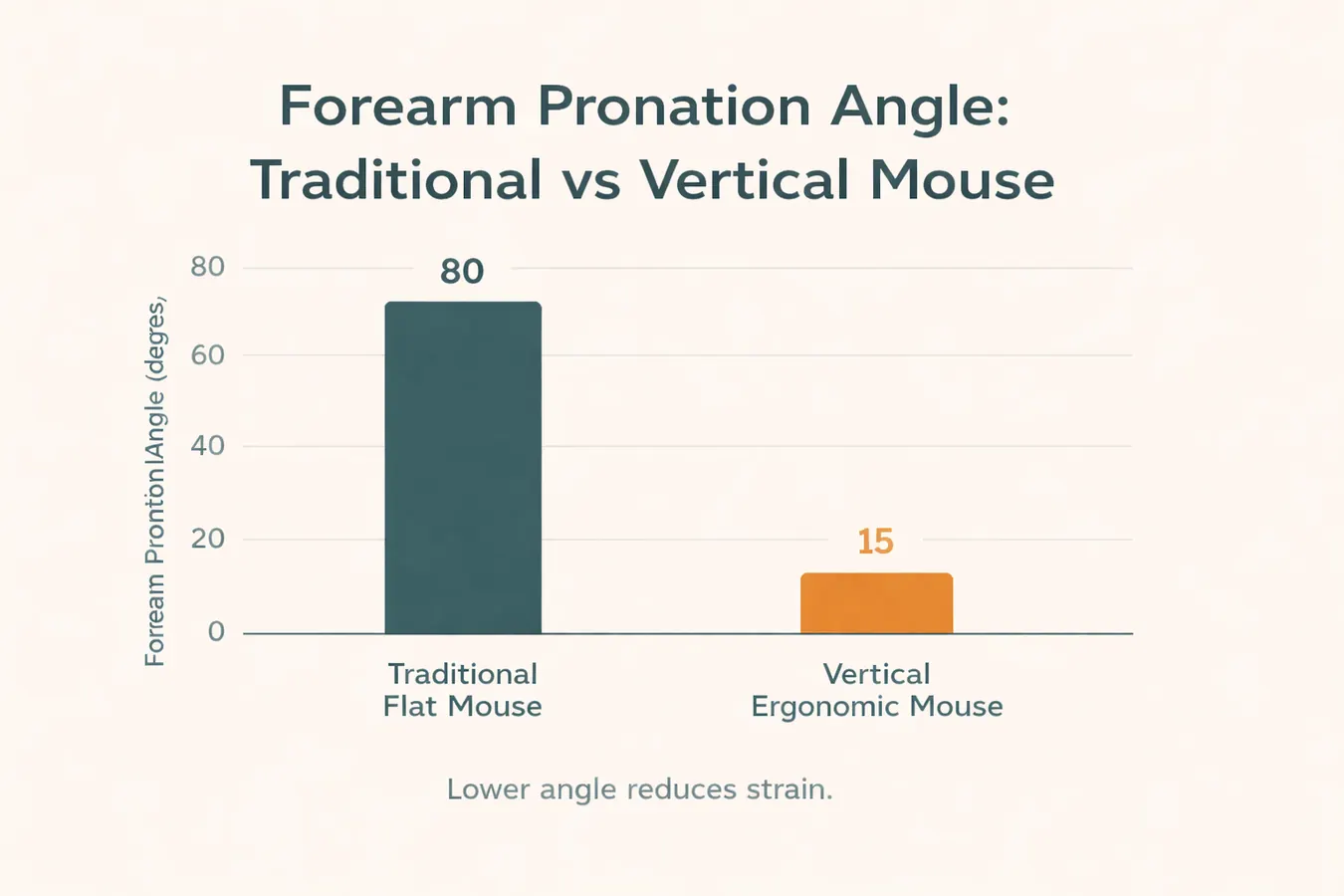
A standard mouse forces your forearm into full pronation, meaning it rotates palm-down to meet the flat surface. That position torques the two bones in your forearm against each other all day. The MX Vertical holds your hand at a 57-degree angle, roughly the same angle your arm falls into when it hangs at your side. Muscle activity in that position drops significantly compared to flat mouse use. I noticed the difference within three days. My forearm simply stopped working as hard to hold the mouse.
The Thumb Rest Is Actually Load-Bearing
On a flat mouse your thumb does a lot of unnoticed tension work, gripping inward to keep the mouse from slipping. On the MX Vertical, the wide thumb shelf on the left side takes that load off your grip entirely. Your thumb rests there without pinching. It sounds like a small thing. After a week you realize how much tension you were carrying in your hand that you had stopped noticing.
A 4,000 DPI Sensor Means You Move It Less
The MX Vertical ships with a button that cycles through 400, 800, and 1200 DPI, but there is a little-known fourth setting at 4000 DPI you can unlock via the Logi Options+ software. At high DPI your cursor travels further per millimeter of physical movement, which means your arm moves less across the day. Fewer large movements equals less cumulative load on your shoulder and elbow. I use it at 1200 for precision work and 4000 for general navigation. My arm travel dropped noticeably.
Three-Device Bluetooth Pairing Without Any Dongle Juggling
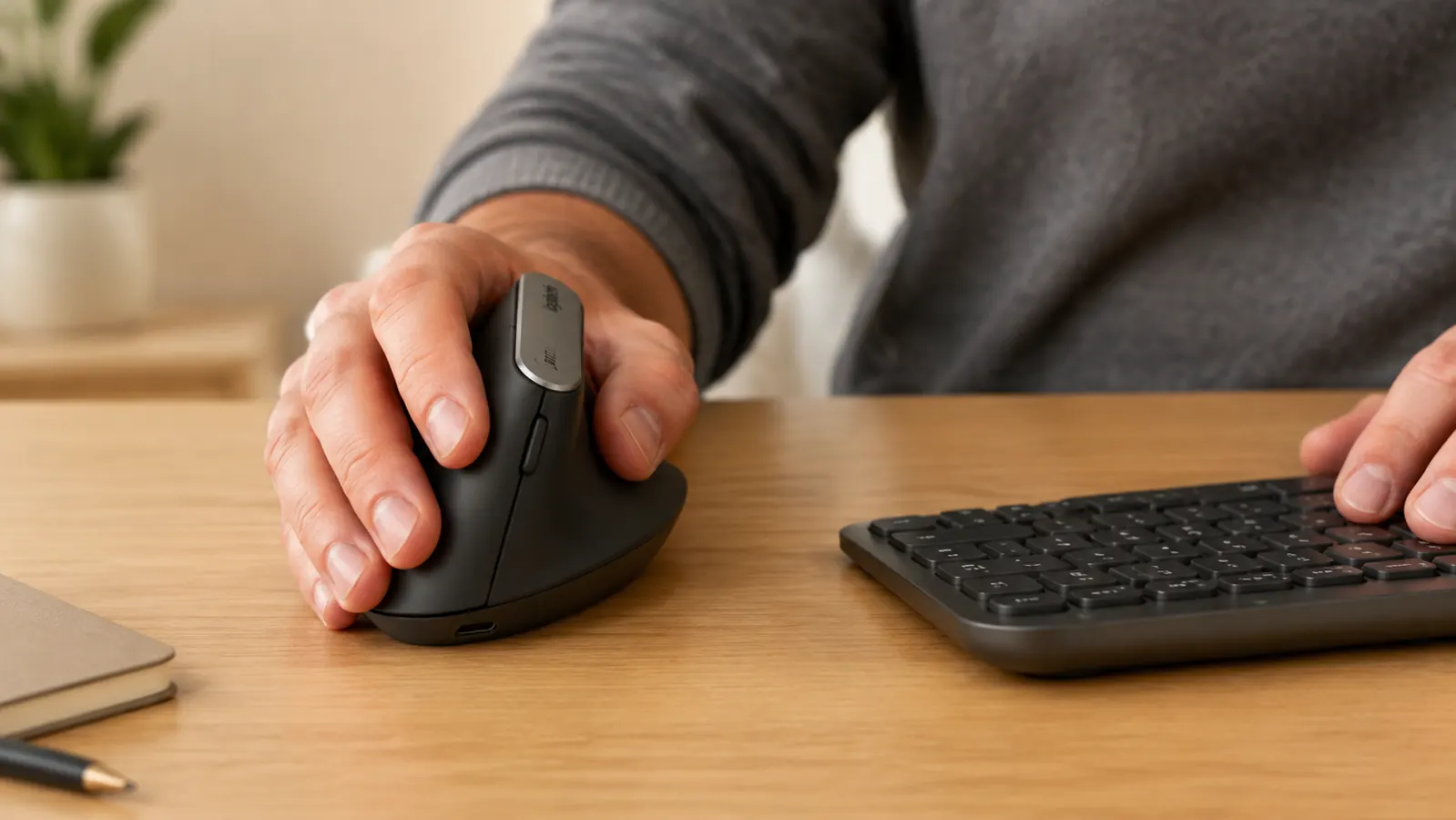
If you work across a laptop, a desktop, and a tablet, you know the dongle shuffle. The MX Vertical pairs to three devices via Bluetooth and lets you switch with a single button on the base. No USB receiver required for two of the three slots, though it includes a USB Unifying Receiver if you prefer that for the primary machine. This is a practical daily quality-of-life win, not just a spec.
The Battery Lasts Four Months and Charges While You Work
One of my frustrations with wireless mice is the dead-battery mid-meeting surprise. The MX Vertical charges via USB-C and the battery holds for roughly four months of daily use in my experience, which matches Logitech's published estimate. A one-minute quick charge gives you three hours of use if you do catch it empty. After eight months my charge routine is plug it in on the first Sunday of each month while I make coffee. That is it.
By the end of week two, I realized I had worked a full afternoon without thinking about my forearm once. That had not happened in two years.
The Scroll Wheel Has Enough Resistance to Feel Precise
Cheap vertical mice often have a scroll wheel that spins too freely or clicks too stiffly. The MX Vertical hits the right middle ground. It has a notched scroll with clear tactile steps, so you do not accidentally skip past content. For long documents and spreadsheets this matters more than people expect. After eight months the scroll wheel feels identical to day one, no loosening or stickiness.
Logi Options+ Software Actually Earns Its Install
I am skeptical of mouse software because most of it is bloatware. Logi Options+ is the exception. It lets you remap every button, set per-app DPI profiles, and track a useful-enough point-in-time stat on your cursor distance and clicks. I remapped the forward and back thumb buttons to copy and paste in my text editor. That single tweak saves maybe 40 keystrokes an hour for me. The app runs light and I have never had a conflict with anything else on my machine.
Right-Handed Sizing That Fits Most Adults Without Feeling Cramped
The MX Vertical is right-hand only and sized for a medium to large adult hand. I have a medium hand, roughly 7.5 inches from wrist crease to middle finger tip, and the grip feels complete without stretching. Smaller hands sometimes find the angle requires a slight reach to the primary buttons. Worth knowing before you buy. Logitech does not make a left-hand version, which is a real gap in their lineup for left-handed workers.
The Adjustment Period Is Real but Short
I would be doing you a disservice if I skipped this. The first three to five days with any vertical mouse feel awkward. Your muscle memory expects the flat angle and you will notice small precision issues on fine cursor movements. By day seven I was as accurate as I had been with my old mouse. By day fourteen I had forgotten I was using anything different. Give it ten working days before you judge it. Almost everyone who returns a vertical mouse does so in the first week, before their hands adapt.
It Works Alongside an Ergonomic Keyboard Without Either Getting in the Way
If you are already using a split ergonomic keyboard like the Logitech K860, the MX Vertical pairs naturally with it. The right half of a split keyboard sits further right than a standard board, which means your mouse hand can rest in a more neutral position without reaching across your body. I set mine up with the K860 and the MX Vertical on the same desk and within a week the two felt like they were designed together. They were not, but the ergonomic geometry lines up well.
What I Would Skip
If you use design or photo-editing software that demands hair-trigger precision on fine brush strokes, the MX Vertical is not your best option. The vertical angle is excellent for general navigation and clicking but the natural grip position makes ultra-precise micro-movements harder to control than a traditional flat mouse. For that work I still occasionally swap back to my old flat mouse. For everything else, coding, writing, spreadsheets, video calls, the MX Vertical stays on the desk.
Left-handed workers should also look elsewhere. Logitech has never shipped a left-handed MX Vertical and there is no indication that is changing. The Anker vertical mouse comes in a left-hand version if that describes you, though you give up the multi-device pairing and the build quality. My full comparison of the MX Vertical against the Anker is in the MX Vertical vs Anker comparison if that decision is on your list.
For a deeper look at how I use this mouse day-to-day and what the first eight months actually looked like, read the Logitech MX Vertical long-term review. And if the mouse is one piece of a larger fatigue problem, the guide to reducing mouse hand fatigue covers desk height, mousing surface, and the rest of the setup that makes it all work together.
Eight months in, I would not swap it back for any price. Check whether it is still in stock before committing to another week of forearm pain.
The Logitech MX Vertical has 14,886 Amazon reviews and a 4.4-star rating. It connects to three devices, lasts four months per charge, and is backed by Logitech's standard warranty. Right-hand, medium-to-large hand sizing.
Amazon Check Today's Price on Amazon →