
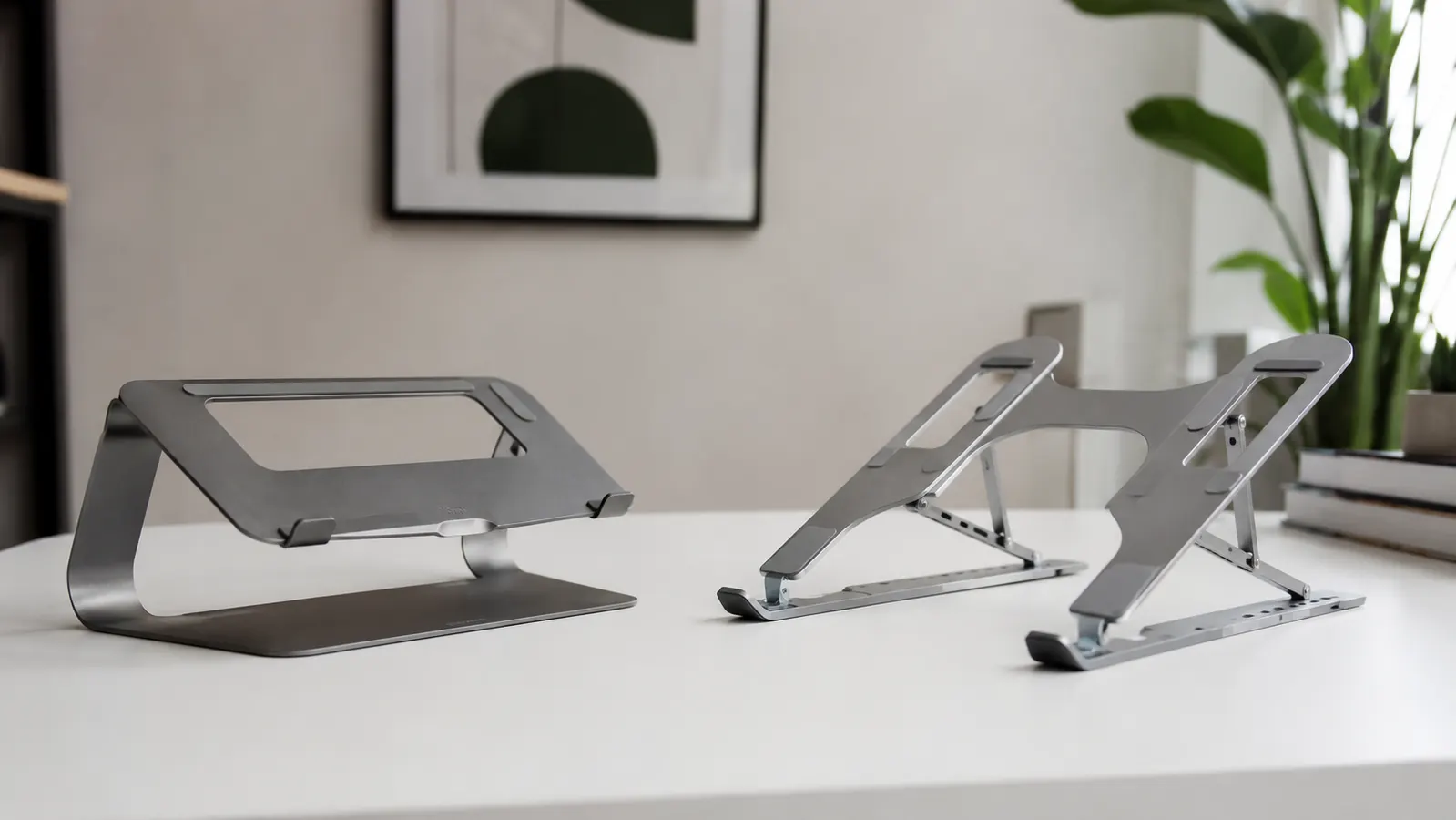
If your neck hurts by noon and your laptop is sitting flat on your desk, you already know you need a stand. The question is which one. The Lamicall Adjustable Laptop Stand and the Nexstand K2 are the two most-recommended budget options, and they show up in almost every home office recommendation thread. I have spent time with both and the short answer is this: they solve the same core problem in completely different ways, and the right pick depends almost entirely on how and where you work.
The Lamicall is a fixed-desk stand. It is solid, heavy for its category, and stays exactly where you put it. The Nexstand K2 is an on-the-go stand that folds into a tube, weighs almost nothing, and travels in a carry-on without a second thought. If you work at one desk five days a week, those two sentences already tell you most of what you need to know. But the details matter, so let me walk through the actual differences.
| Lamicall Laptop Stand | Nexstand K2 | |
|---|---|---|
| Price | Mid-range (ASIN B08M94BTYC) | Mid-range tier |
| Material | Aircraft-grade aluminum alloy | ABS plastic with metal joints |
| Weight | 1.54 lbs (stationary, solid) | 0.55 lbs (ultralight, foldable) |
| Height Range | 2.8 in to 15.7 in (7 steps) | Approx. 5.5 in to 9.5 in (fixed notches) |
| Angle Adjustment | 6 angle settings via hinge lock | Single fixed viewing angle per height |
| Laptop Compatibility | 10 to 17.3 in laptops | 10 to 17 in laptops |
| Desk Footprint | Compact base, stays put | Narrow legs, slight wobble on uneven surfaces |
| Portability | Folds flat but not travel-bag slim | Collapses to a 10-in tube, bag-ready |
| Heat Venting | Open rear design, good airflow | Open frame, equally good airflow |
Where the Lamicall Wins
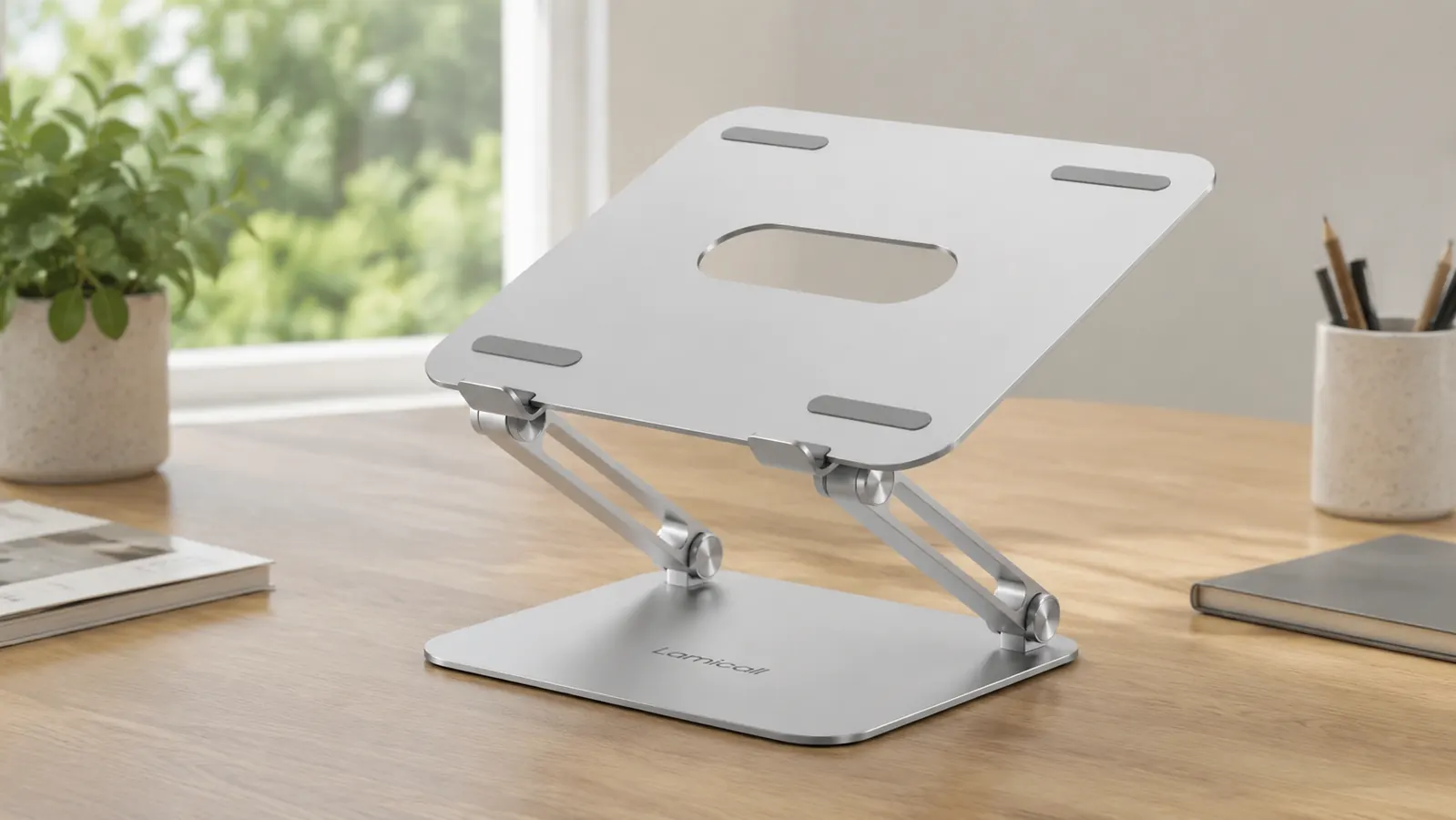
The Lamicall wins on stability and adjustability, which are the two things that matter most if you sit at the same desk all day. The solid aluminum construction means the stand does not flex or rattle when you type. Press hard on the keyboard, rest your wrists on the laptop edge, shift the machine around at the end of a call. It stays planted. The Nexstand K2, for all its cleverness, uses thin plastic legs that feel exactly like what they are. On a smooth, level desk they perform fine. On an older desk with any surface variation, you will notice a micro-wobble when you type quickly. That sensation gets old.
The Lamicall also wins on height range. It goes from 2.8 inches up to 15.7 inches across seven distinct settings, which means you can dial in eye-level positioning whether you are sitting in a standard office chair, a tall drafting stool, or standing at a converter. The Nexstand K2 tops out lower and gives you fewer notch positions. For most seated setups that is fine. But if you ever want to use a standing desk converter with a laptop on top, the Lamicall is the only option of the two that can get the screen high enough to matter.
Where the Nexstand K2 Wins
The Nexstand K2's advantage is portability, and it is a genuine one. At 0.55 pounds and folding to roughly the size of a thick pen, it drops into the side pocket of a laptop bag without taking up any real space. If you work from coffee shops, coworking spaces, client offices, or a mix of home and commuter office, the K2 lets you set up an eye-level screen anywhere without carrying anything heavy or bulky. The Lamicall does fold, but it is still a chunk of aluminum that occupies real bag space.
For a traveling consultant, a digital nomad, or someone who splits time between two offices, the K2's portability alone justifies the purchase. The stability compromise is livable when you are using the stand for a few hours at a cafe rather than eight hours at your primary desk. The K2 also sets up in under ten seconds, which matters when you are working somewhere temporary and do not want to fuss with setup.
The Lamicall is a piece of equipment. The Nexstand K2 is a travel accessory. Both are good at what they actually are.
Your neck has been at the wrong angle long enough. The Lamicall fixes that affordably.
The Lamicall Adjustable Laptop Stand is a 4.8-star, aluminum riser with seven height settings and a stable base built for all-day desk use. Over 10,000 home office workers have rated it. Check today's price on Amazon.
Amazon Check Today's Price on Amazon →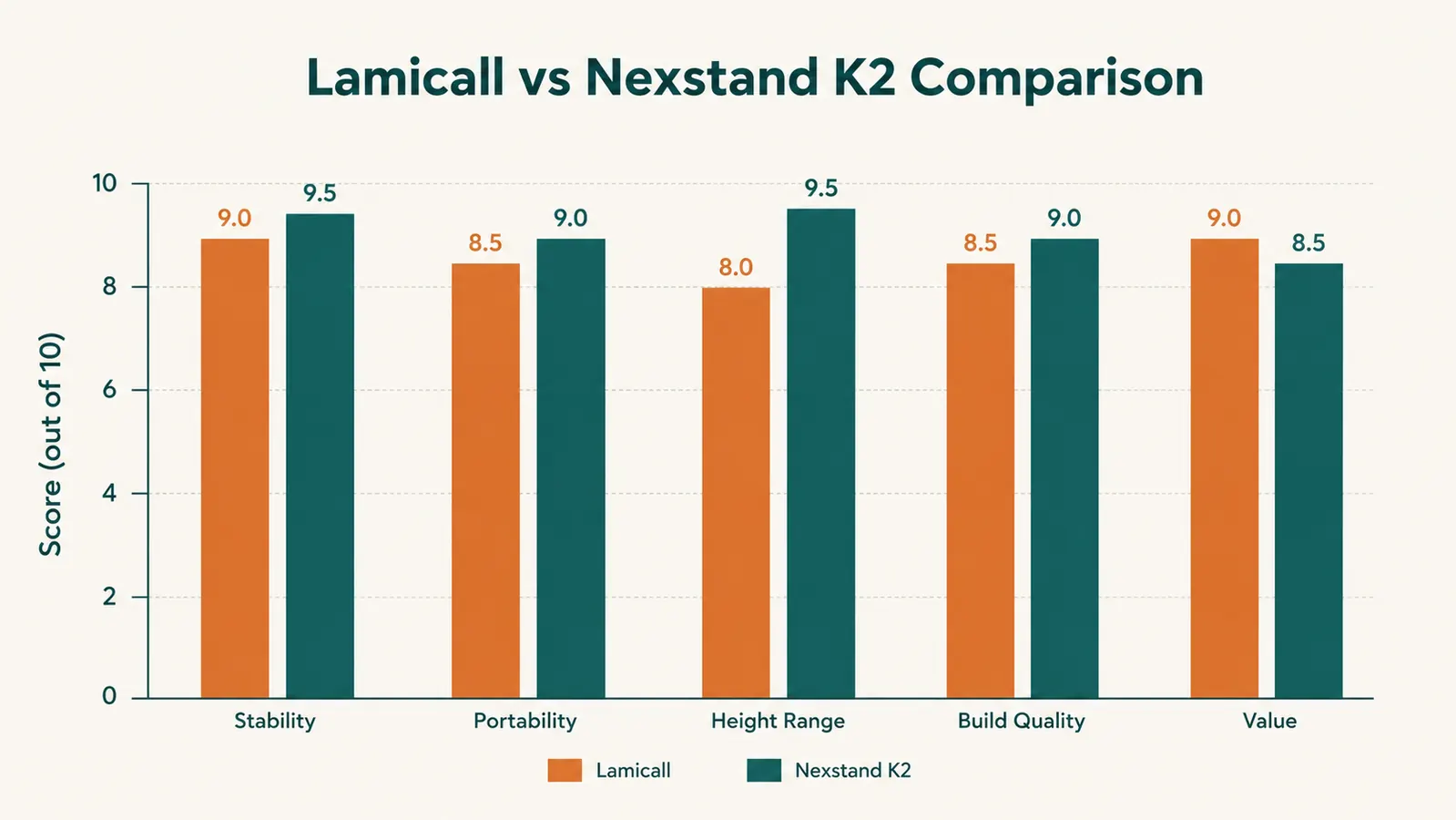
Build Quality Up Close
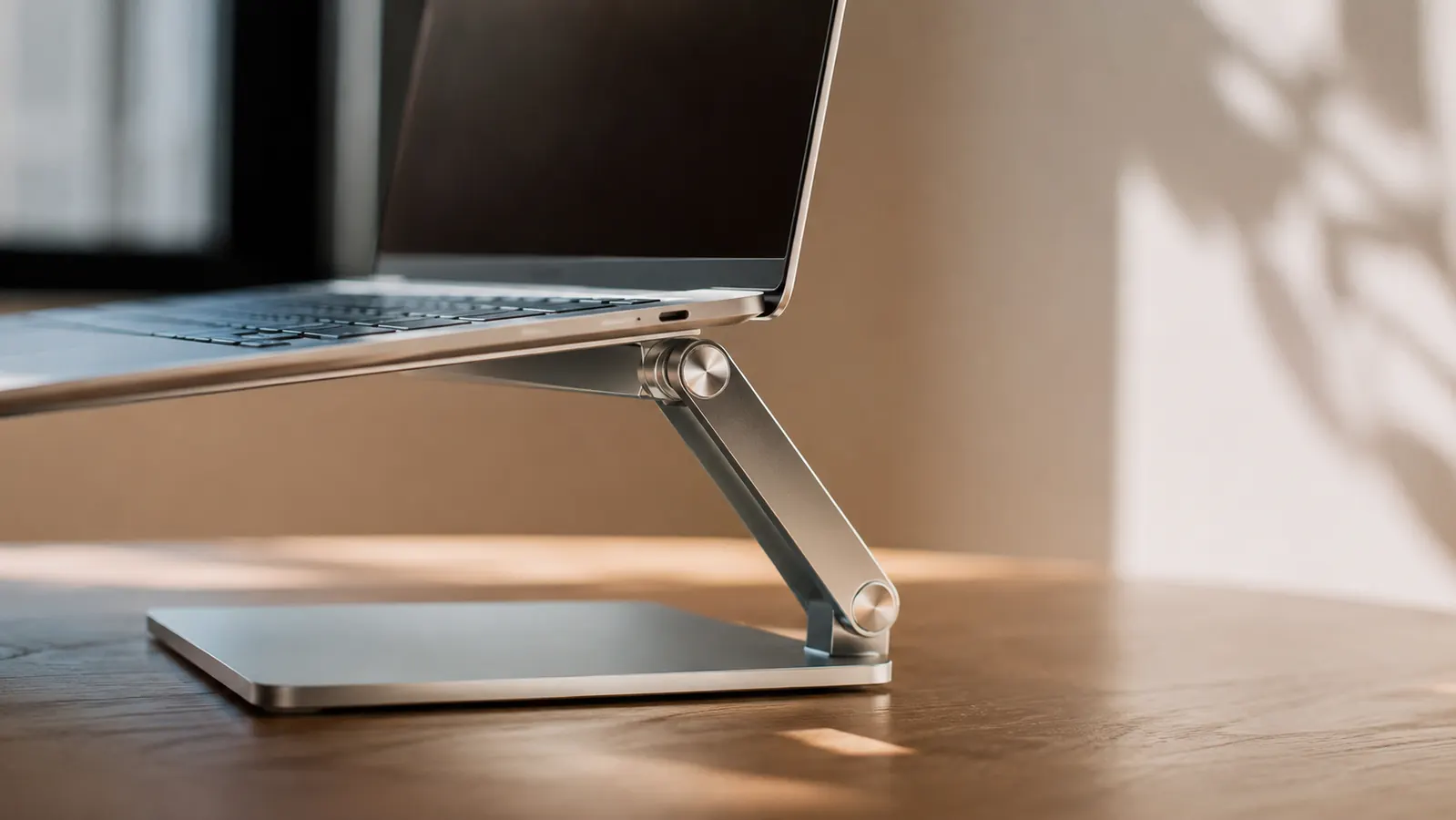
The Lamicall's aluminum feels noticeably premium when you pick it up. The hinge has a satisfying, deliberate click at each angle setting. The silicone grip pads on the base and the laptop rest are dense and grippy without leaving residue, even after months of daily use. There is no plastic creaking. The frame does not feel like it is working to hold the laptop; it just holds it.
The Nexstand K2 is honest about being a plastic frame. It is well-engineered plastic, and the locking joints feel secure when you click them into position. But over time, the joints can soften slightly with repeated folding and unfolding cycles. If you set it up and tear it down every single day over a year, you may notice a looser fit at the height notches compared to day one. If you leave it set up at a desk long-term, that issue mostly disappears. Occasional travelers will not hit it.
Thermal Performance
Both stands keep your laptop well off the desk surface, which improves airflow meaningfully compared to using a laptop flat. Neither stand traps heat. The Lamicall's design positions the laptop at an angle with the rear vents clear on all sides. The Nexstand K2 is an open frame so air moves freely from every direction. If you run demanding tasks and your laptop runs warm, either stand is a genuine improvement. Neither one is a substitute for a separate cooling pad if your machine is genuinely thermal-throttling, but for normal workloads neither stand makes heat worse.
Who Should Buy Which
Buy the Lamicall if you have one primary desk and you sit at it most workdays. It is more stable, more adjustable in height, built from better materials, and rated higher by a much larger pool of buyers. It will outlast the desk it sits on. For the remote worker who wants to fix neck strain and move on with their day, this is the straightforward choice. It pairs well with an external keyboard and mouse, which you should be using anyway once the laptop is raised to eye level. If you want more context on pairing it with a proper keyboard setup, the article on how to fix neck pain working from home covers that combination in detail.
Buy the Nexstand K2 if you work from multiple locations and you need a stand that fits in a bag. The portability is real and the ergonomic benefit, even at a slight stability cost, is far better than no stand at all. A coffee shop session with your neck craning down is worse for you than a session on a K2 that wobbles slightly. For a dedicated home office desk though, the Lamicall is the better tool. The extra weight and desk footprint become non-issues the moment you stop carrying it anywhere. And you will not miss plastic when you are using aluminum.
If you are still deciding whether a laptop stand is worth the investment at all, the review of the Lamicall after ten months of daily desk use covers that question from a different angle, including what neck strain actually improves and what it does not.
The Lamicall has 10,000-plus reviews and a 4.8-star rating for a reason. It is just a good, solid stand.
Seven height settings, aircraft-grade aluminum, and silicone grip pads that actually hold. Budget-friendly. Ships from Amazon.
Amazon Check Today's Price on Amazon →