

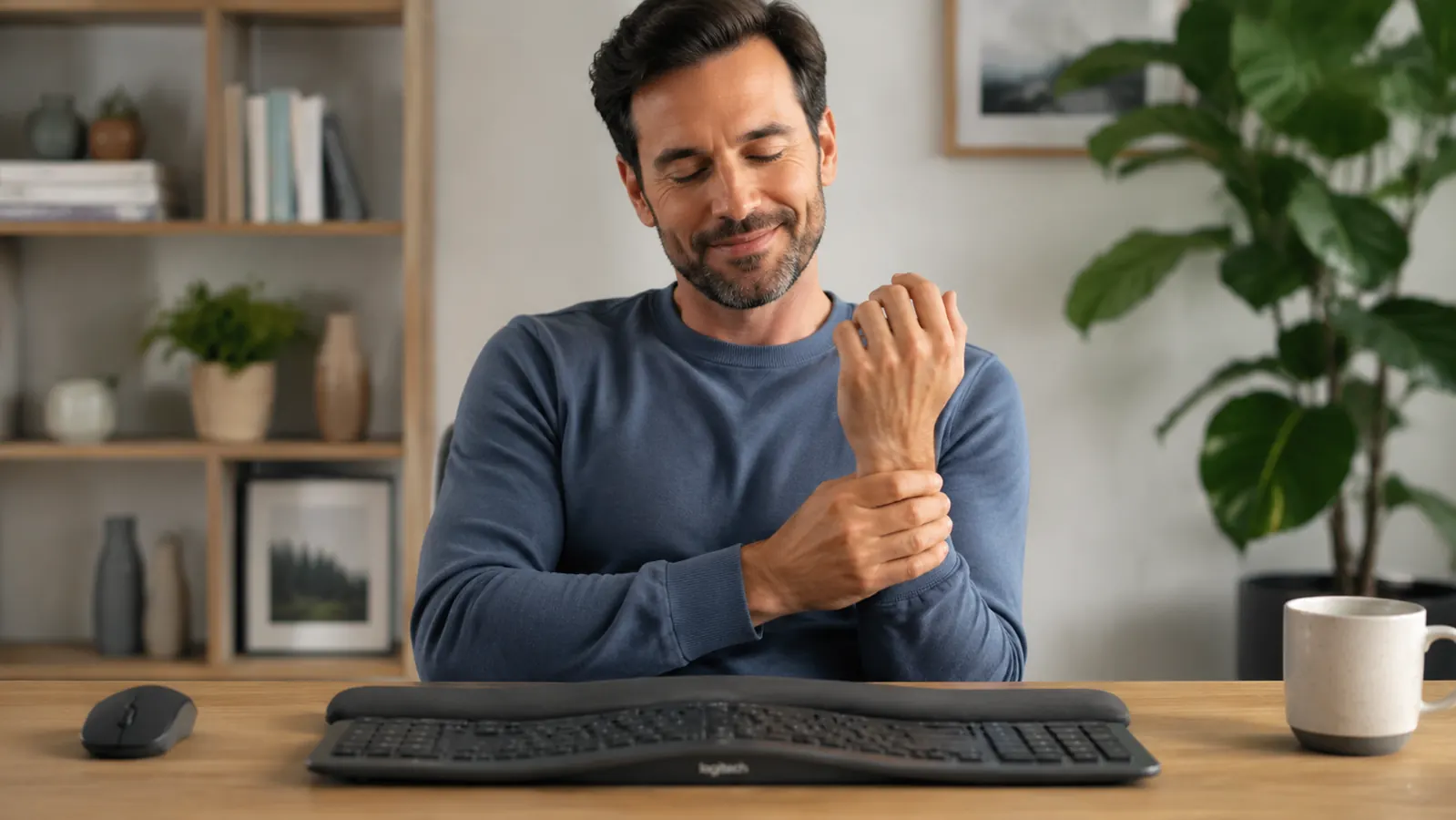
For three years I told myself the wrist ache was just part of working from home. It was not sharp. It was not the kind of pain that sends you to urgent care. It was a dull, low-grade throb that arrived somewhere around 2 p.m. and sat there through the end of the workday like an unwelcome guest. I wore a wrist brace for a few months. I tried stretching every hour. I set a timer. None of it touched the root problem, which I eventually realized was the keyboard itself.
A standard flat keyboard forces your wrists into what ergonomists call ulnar deviation. Your hands angle outward toward the edges of the keyboard to reach the keys, while your forearms stay pointed straight forward. Hold that position for six to eight hours a day and the tendons running through your carpal tunnel start to complain. I had been doing exactly that, five days a week, for years. I just did not have the right vocabulary for it until I started researching why my wrists hurt.
I tried two cheaper ergonomic keyboards before the K860. The first was a low-profile split model that looked promising in photos but had a mushy key feel that slowed my typing down noticeably and a wrist rest that was essentially a thin foam pad glued to the base. It did not help. I returned it. The second was a compact curved keyboard without a true split. It reduced some of the strain but the wrist rest was hard plastic, and I found myself hovering my wrists above it most of the time, which defeated the purpose. I sent that one back too and quietly concluded that ergonomic keyboards were a category full of overpriced promises.
I had spent three years managing a symptom. The K860 addressed the cause.
I ordered the Logitech Ergo K860 with genuine skepticism. At the higher end of the price range it was more than I wanted to spend on something I half-expected to return. The box arrived, I set it up, and within about twenty minutes I noticed something I had not felt from a keyboard in years: my forearms felt relaxed. Not comfortable in a padded, coddled way. Just neutral. Like my arms were in the position they actually wanted to be in instead of being pulled slightly off-angle all day.
The K860 uses a split layout with a slight tent angle built into the center. That tenting rotates your wrists inward so your palms face each other at a slight angle rather than facing straight down. The wrist rest is a thick curved cushion that runs the full width of the keyboard and actually supports the heel of your palm, not just the edge of your wrist. The keys have a soft tactile bump that I got used to within two days. By the end of the first week I was typing at my normal speed. By the end of the second week the 2 p.m. ache was gone.
I want to be specific about that, because I know how these testimonials usually read. The ache did not fade gradually over weeks. It stopped. Day fifteen, I realized at 3 p.m. that I had not thought about my wrists once that day. That had not happened in three years. I sat there for a moment trying to remember if I had taken ibuprofen and I had not. The keyboard had just removed the mechanical cause of the problem.
There are things to know before you buy. The learning curve is real. If you have typed on a standard flat keyboard your whole career, the curved split layout will feel wrong at first. Your muscle memory fights it. I hit the wrong keys regularly for the first three days. Some people take a full week or two to reach their previous typing speed. If you type for a living and cannot afford a productivity dip, plan to make the switch during a lighter workweek. The keyboard is also wide. It takes up more desk space than a standard full-size keyboard, and it does not have a number pad, which matters if you do a lot of data entry. Wireless connectivity via Bluetooth or the included USB receiver works well, but the receiver dongle is small and easy to misplace. Keep it somewhere deliberate. You can read more about the full range of what the K860 does and does not do well in my full long-term review of the K860.
Your wrists should not ache at 2 p.m. every afternoon.
The Logitech Ergo K860 has 7,942 ratings on Amazon and a 4.5-star average. Check current pricing and availability before it changes.
Amazon Check Today's Price on Amazon →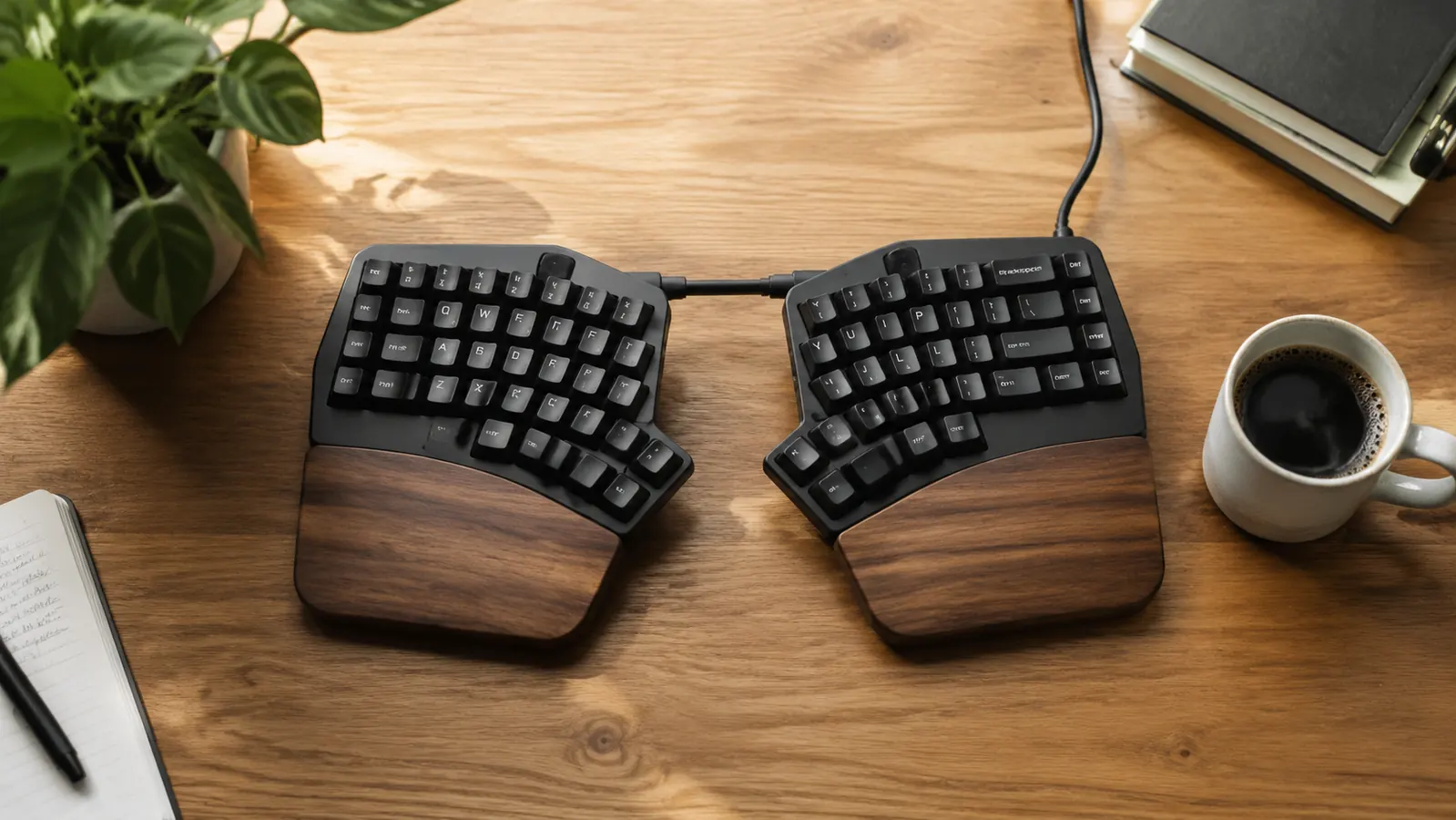
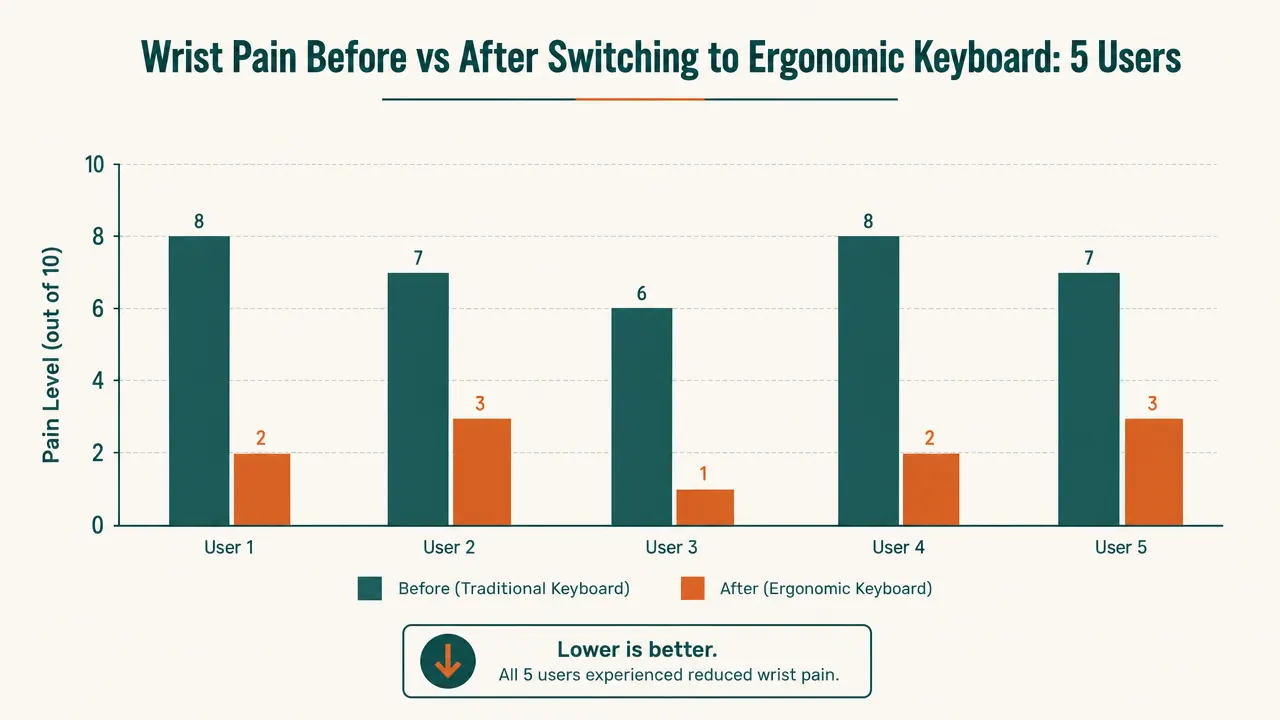
I have recommended the K860 to four people since I made the switch. Three of them have reported the same result: the ache that they had accepted as the price of working from a computer went away within the first few weeks. The fourth is still in the adjustment period and getting frustrated, which is fair. It is genuinely harder to use in the first week than a regular keyboard. But none of them have returned it.
If you want to understand the biomechanics behind why the split layout works, I wrote a separate piece covering the specific mechanics: 10 reasons a split keyboard reduces wrist strain. It goes into more detail on the ulnar deviation problem and what to look for beyond just the brand name.
What I'd Tell You If We Were Sitting at My Kitchen Table
If you are typing on a standard flat keyboard for six or more hours a day and your wrists ache in the afternoon, the keyboard is very likely the cause. Not the only cause, but the main one. You can stretch, you can brace, you can take ibuprofen, and you will be managing the symptom forever. The K860 is not cheap, and the two weeks of adjustment are genuinely annoying. But after three years of treating a symptom, I would have paid twice the price to make it stop. You probably do not have to.
Two weeks of adjustment. Three years of ache gone.
The Logitech Ergo K860 is a wireless split ergonomic keyboard with a built-in cushioned wrist rest and a 2-year battery life. Rated 4.5 stars across nearly 8,000 reviews.
Amazon Check Today's Price on Amazon →